Claude Code Plugins: Image Generation, Code Review and More — The Plugin System in Practice
Anthropic has launched an official plugin directory for Claude Code — with over 55 reviewed extensions. Among them: an image generation plugin and structured development workflows. What this means for companies commissioning custom software.
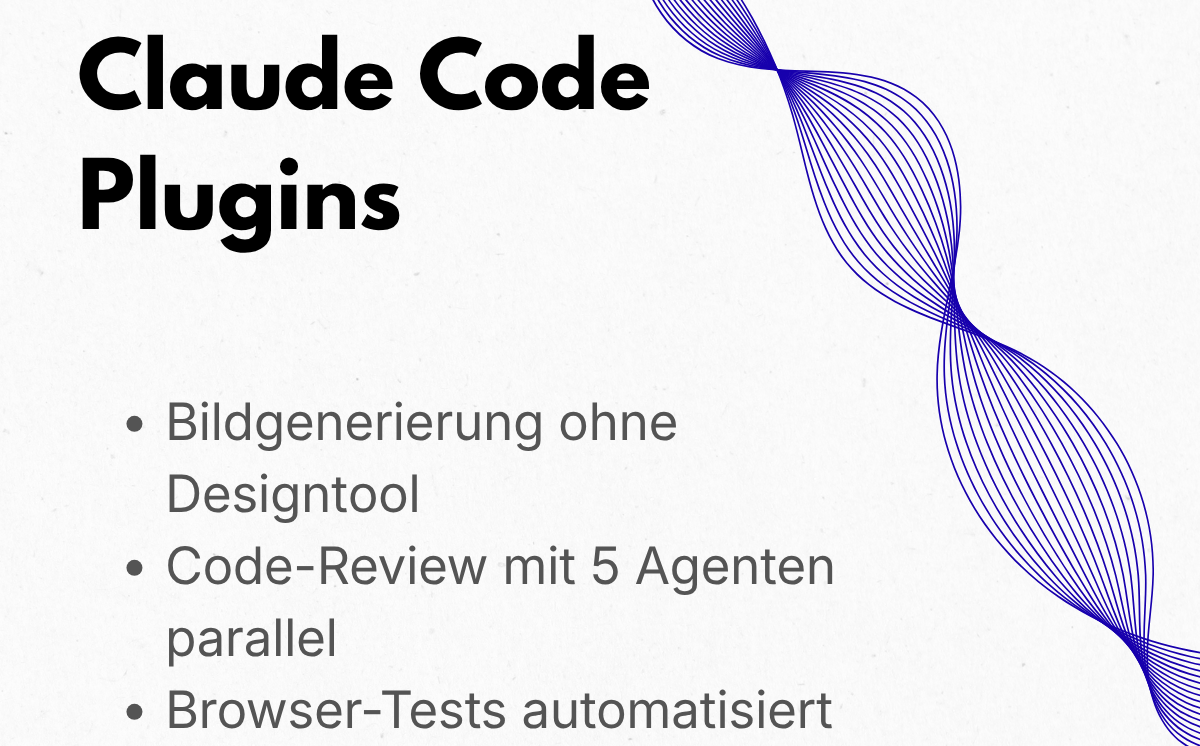
Claude Code is Anthropic's AI assistant for developers — a terminal tool that writes, reviews, and debugs code. Since May 2026, there is an official plugin system with over 55 reviewed extensions: from structured development workflows to an image generation plugin that lets developers create AI images directly from their working environment. For companies commissioning custom software, this is relevant: plugins make development workflows measurably faster and more robust in quality.
What Claude Code Plugins Do
Plugins bundle several extension types in one package: skills (capabilities the model calls automatically), slash commands (user-invoked), subagents (specialized agents for delegated tasks), hooks, and MCP servers (preconfigured connections to external services). Anthropic runs three directories — official marketplace directory, community, and demo. The official directory is available automatically on first launch; community plugins must be added manually once. For teams that want to embed AI integration and automation into their development workflows, the official plugins are the vetted entry point.
The Image Generation Plugin: Prompt Quality as a Lever
The image generation plugin comes from Anthropic's community directory. It does not generate images itself — Claude Code remains a text model. Instead, it provides structured prompt templates for external image models. A well-structured prompt makes the practical difference between an image that works on the first try and one requiring multiple retries. The plugin translates short descriptions into production-quality prompts, reducing effort for mockups, UI screenshots, or illustrations in client projects. Supported models (selection):
- DALL·E and GPT Image (OpenAI)
- Stable Diffusion and Flux (open-weight, self-hostable)
- Midjourney, Ideogram, Leonardo
- Imagen and Gemini Image (Google)
Other Important Plugins and SMB Use Cases
Plugin Function Practical Benefit
feature-dev (89,000+ installs) 7-phase workflow from requirement to finished feature Structured approach for new functionality
code-review 5 parallel agents review code changes with confidence Quality assurance with less noise before
score merge
frontend-design Creates brand-consistent interfaces from design briefs UI development with consistent style without
back-and-forth
Playwright MCP Claude Code controls a live browser directly Automated tests, form checks, page
debugging
TypeScript/Rust LSP Real-time type check and compiler diagnostics in the Catch errors early, not at build time
editor
Claude-Mem Persistent project memory across sessions via SQLite Maintain context and architecture decisions
over long projects
The plugin system makes itself felt particularly where projects run under real time and quality pressure. Concrete use scenarios for companies that commission custom software development:
- Mockups without design software: the image generation plugin creates high-quality prototype graphics from short descriptions — useful for early client presentations.
- Automated code reviews: code-review deploys 5 parallel review agents and filters only high-confidence findings — less noise, more relevant feedback.
- Browser tests without manual work: Playwright MCP has Claude Code fill forms, navigate pages, and run assertions on a live site.
- Brand-consistent UI: frontend-design translates design briefs directly into CSS code — useful when design and development are handled by one person.
- Maintain context over long projects: Claude-Mem stores architecture decisions in a local SQLite database — no manual assembly of context from session to session.
Check Before Using — and a Clear Verdict
- Data protection and compliance: community plugins are checked automatically but not manually verified by Anthropic. Which data flows to which external services — especially for MCP server plugins? GDPR-relevant data does not belong in unvetted third-party services.
- Costs: the plugins themselves are free to install. External image generation (DALL·E, Midjourney, Flux API) costs API credits — clarify budget before first production use.
- Technical entry: Claude Code runs in the terminal and requires a configured development setup. For teams without developers, it is not a self-service tool.
- Integration path: which plugins fit the existing environment (VS Code, JetBrains, terminal)? Check and configure required MCP servers before use.
Claude Code plugins are not an end-user tool — but a concrete lever for teams building custom software: faster delivery, fewer quality issues, more structured processes.
Claude Code's plugin system makes development teams measurably more productive. Companies commissioning software or leading an in-house team benefit from structured workflows and automated reviews. The image generation plugin is particularly worthwhile for teams that regularly produce prototypes or UI graphics and want to reduce effort per iteration. When it is not worthwhile: Claude Code requires developer experience — it is not a tool for decision-makers without a technical background. Companies without their own development team should first use IT consulting and technology assessment to clarify if and how Claude Code fits their existing processes before building infrastructure.